Kindly provide the following standard response for assistance with logging into Eisai University.
To log in to your Eisai University account, kindly use the following steps:
1. Go to Microsoft My Apps (https://myapps.microsoft.com/).
2. Sign in using your Eisai email address and password.
3. Search for the "Eisai University" icon and click on it.
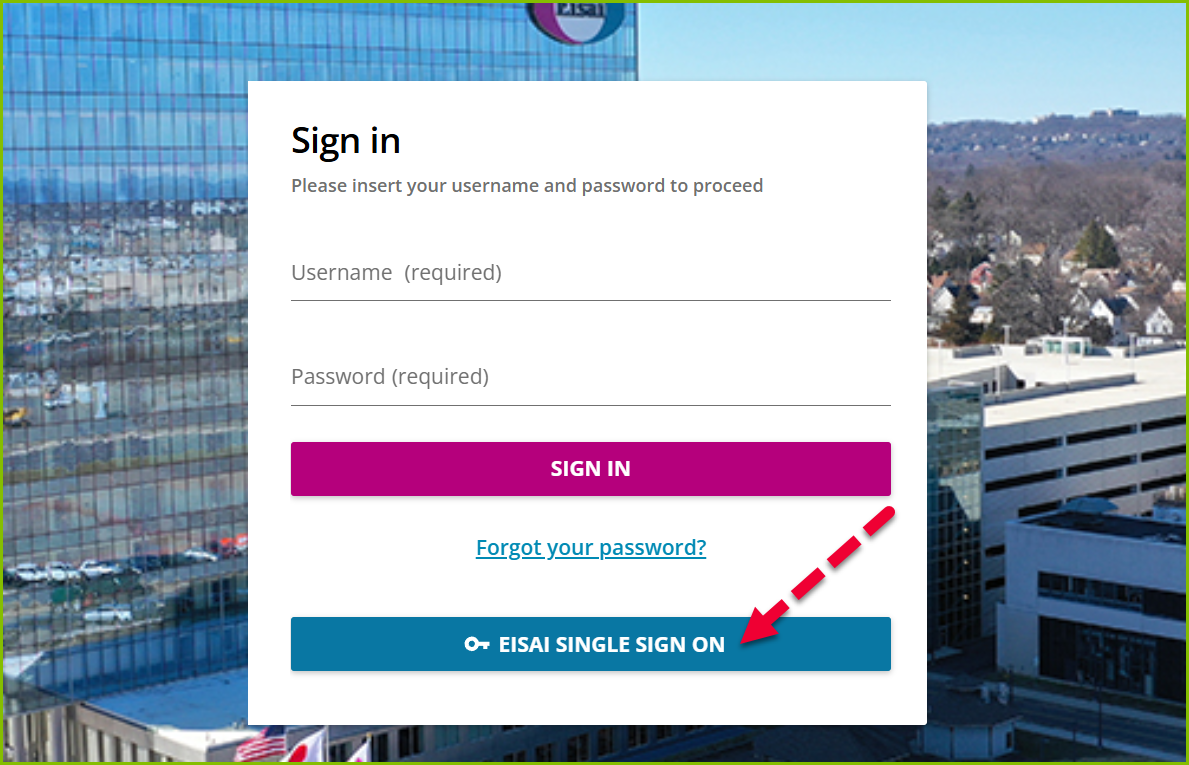
4. You'll be redirected to the landing page.
5. Tap the "EISAI SINGLE SIGN ON" button and enter your network password.
Note: DO NOT ENTER USERNAME AND PASSWORD.